Support
Documentation
Setting NIRO up, channel by channel.
Business knowledge, not a script tree
Upload a price list, a menu or a policy document and NIRO reads it into structured facts — services, prices, hours, rules — that you can review and edit.
It answers from those facts, so correcting one corrects every future answer. There is no decision tree to maintain.
Getting started
Create an account, tell NIRO about your business, and connect one channel. The assistant answers from what you have given it, so start with your services, hours and prices.
Business knowledge
Upload a price list, a menu or a policy document and NIRO reads it into structured facts you can review and edit. Anything it gets wrong, you correct once.
Connecting channels
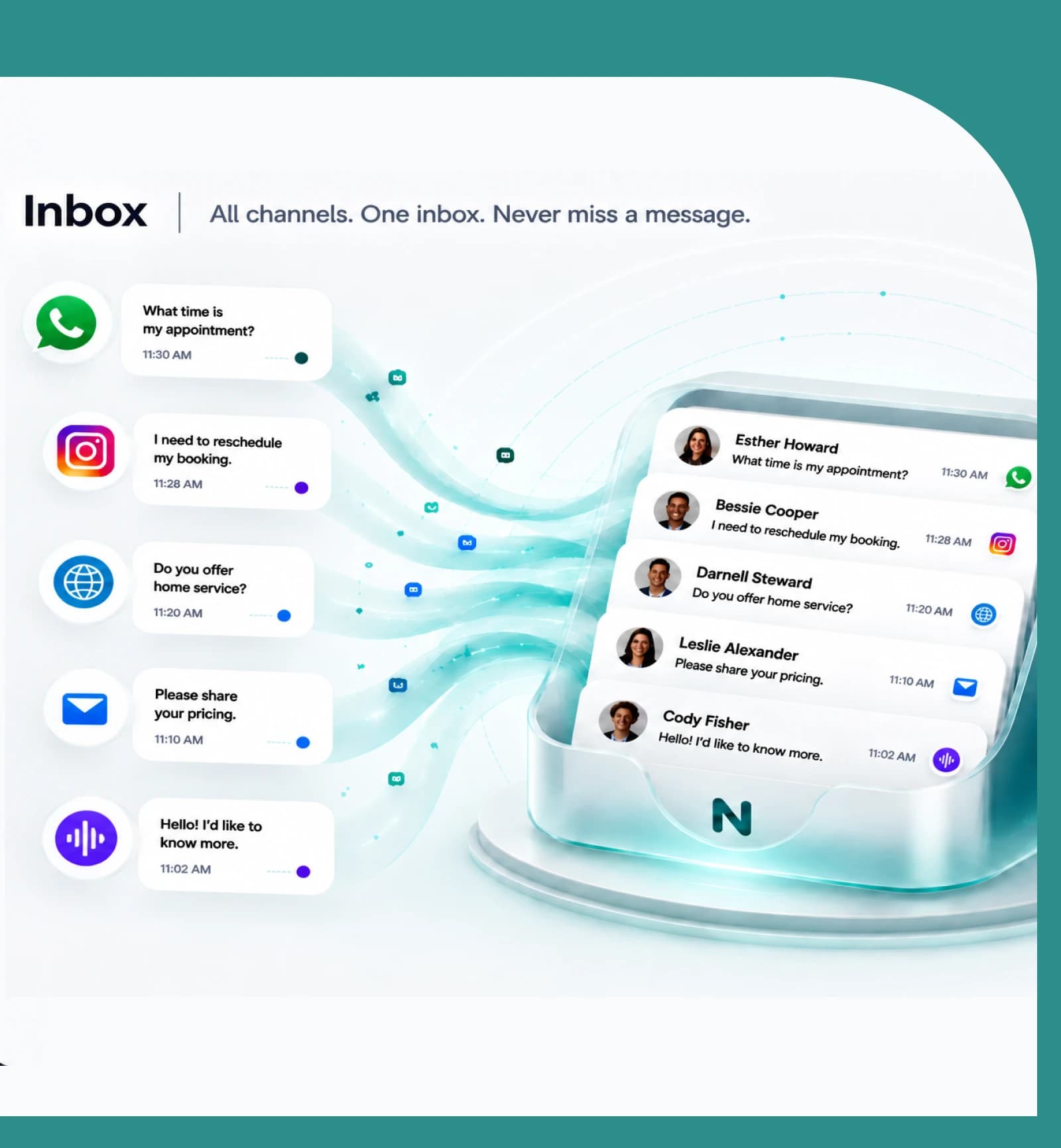
WhatsApp Business, Instagram, your website widget and email each connect from Settings. WhatsApp and Instagram need approval from Meta, which usually takes a day or two.
Bookings
Define your services, your staff and your hours, and NIRO books into them. The booking flow is yours to edit — the questions asked, their order, and what each answer is saved to.
CRM
Every conversation builds a customer record. Add your own fields and NIRO fills them from what customers tell it, so it never asks the same thing twice.
Your team
Invite colleagues, give them roles, and take over any conversation NIRO is handling whenever you want to.
The first thirty minutes
- 1
Create the account
Name, email, and the business you are setting up. No card needed to try it.
- 2
Give it something to read
A price list or a menu is enough to start answering usefully.
- 3
Connect one channel
Website chat is instant. WhatsApp and Instagram go through Meta's approval.